01 / 05
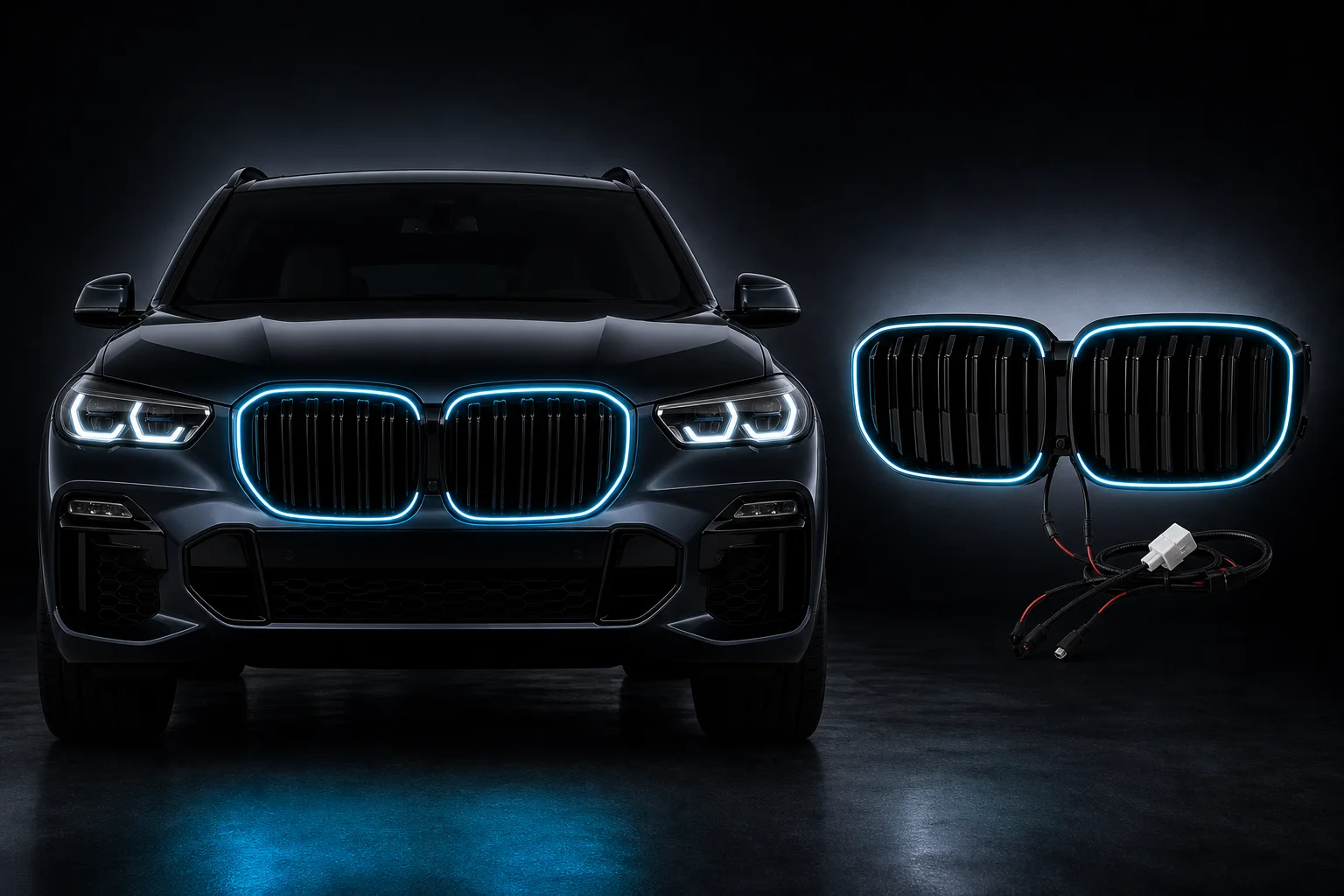
Ice blue A clear everyday contour and the baseline for the color preview.
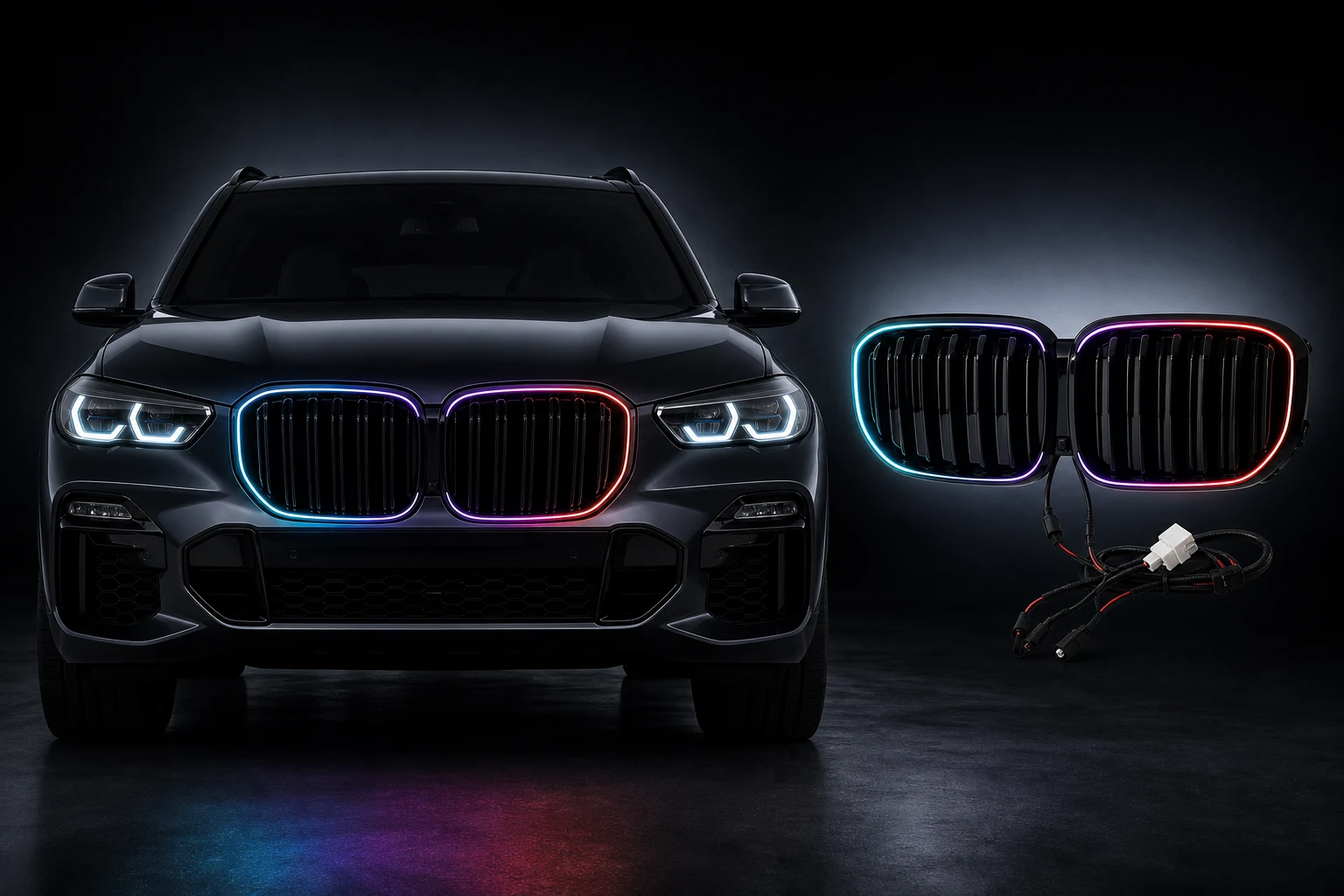
Vehicle-specific illuminated grilles, consistent RGB color control and a dedicated controller app, built as one system.
The vehicle-specific grille handles the light. The JingX app handles pairing, effects, startup sequences and firmware updates.
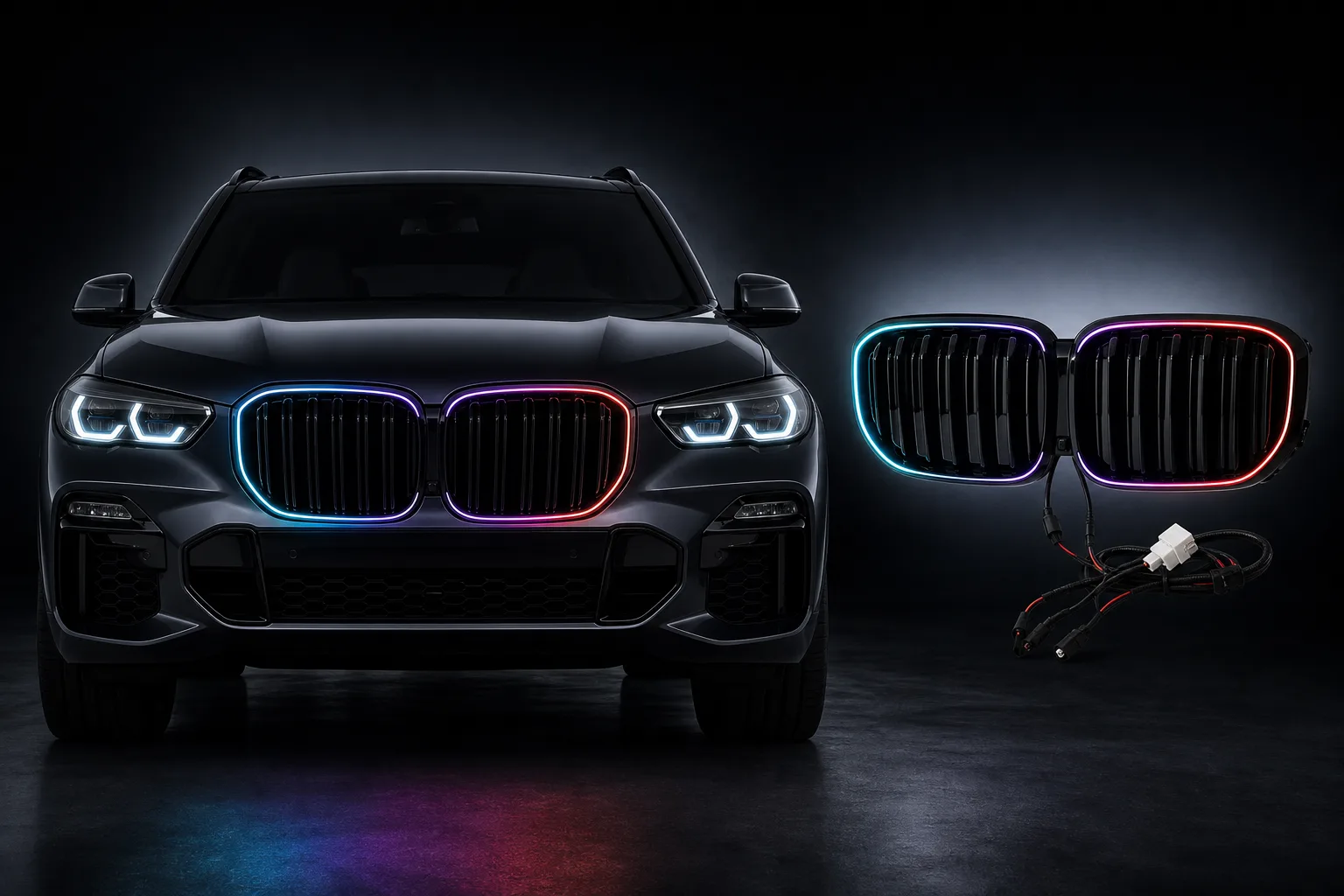
Explore five color illustrations. Actual lighting varies with the product, settings and environment.


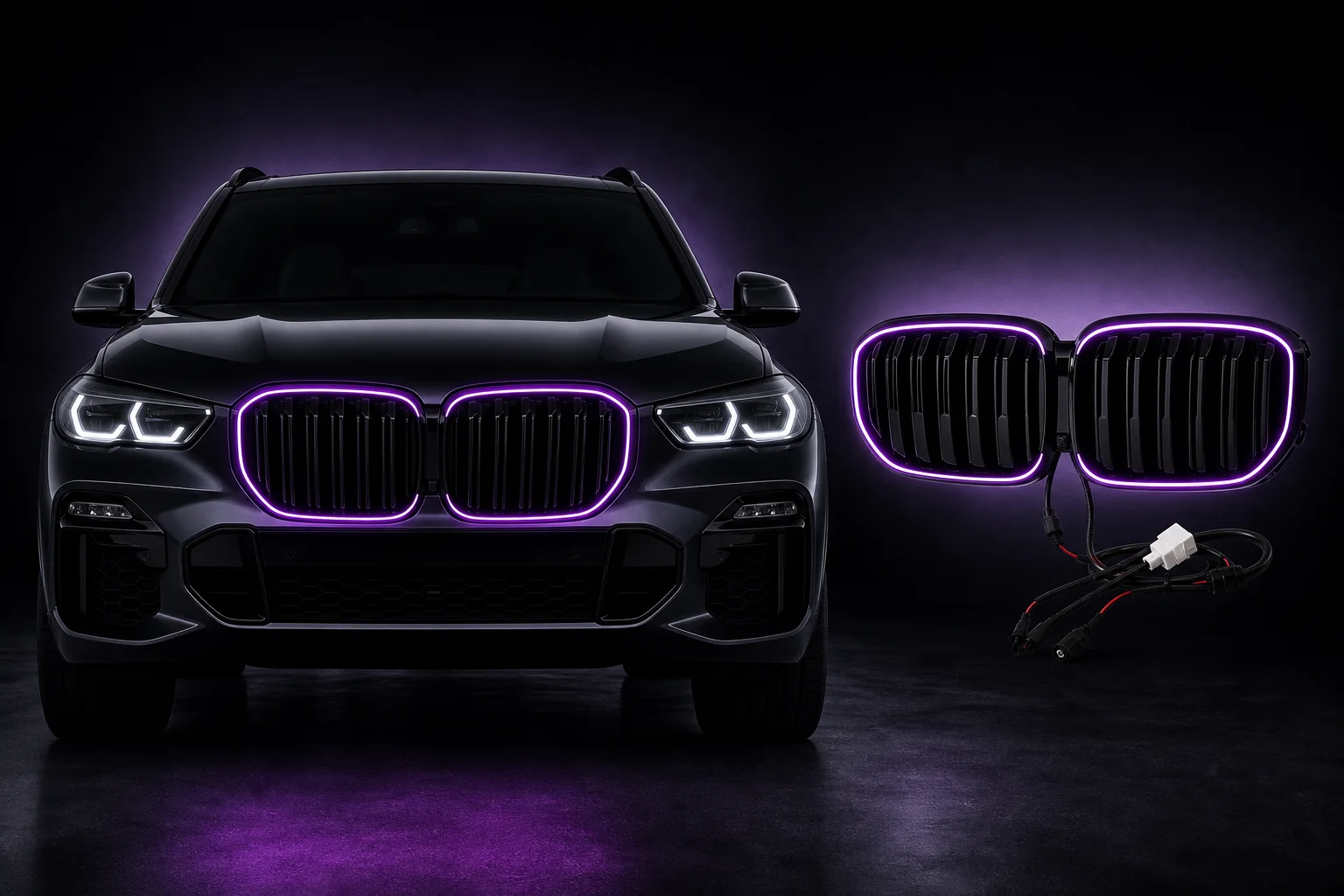
 Effect render
 A clear everyday contour and the baseline for the color preview.
Neutral light keeps the original grille structure visually clean.
A warm profile suited to dusk and lower ambient light.
A personal preset for segmented transitions and combinations.
A strong sport-oriented profile; moderate brightness is recommended.
The wheel, HEX/RGB values, swatch and grille preview share one color state. The result is an on-screen simulation.
On-screen simulation supports color selection. Actual brightness and appearance vary with LEDs, power supply and ambient light.
These are current Android screens. Features may change with later releases.
Explore the complete app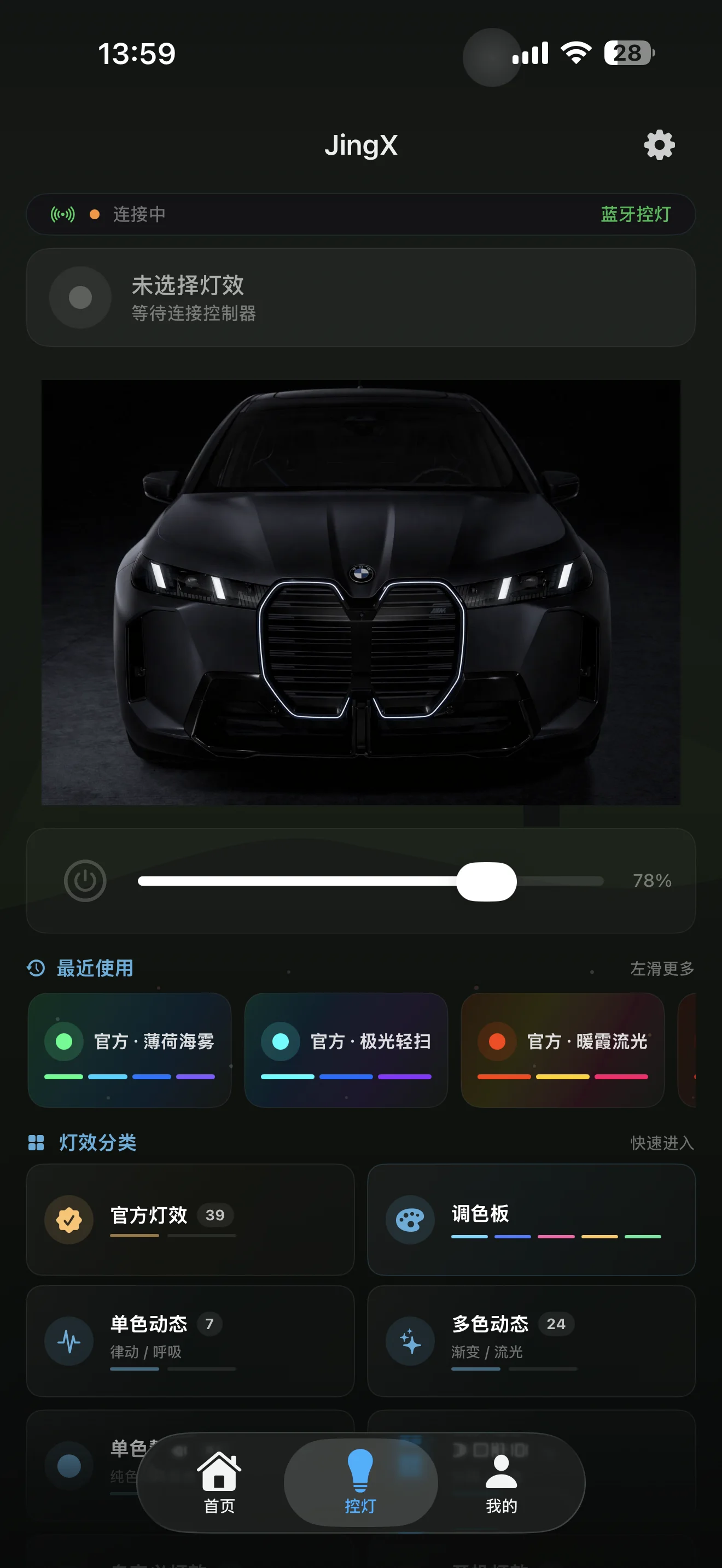
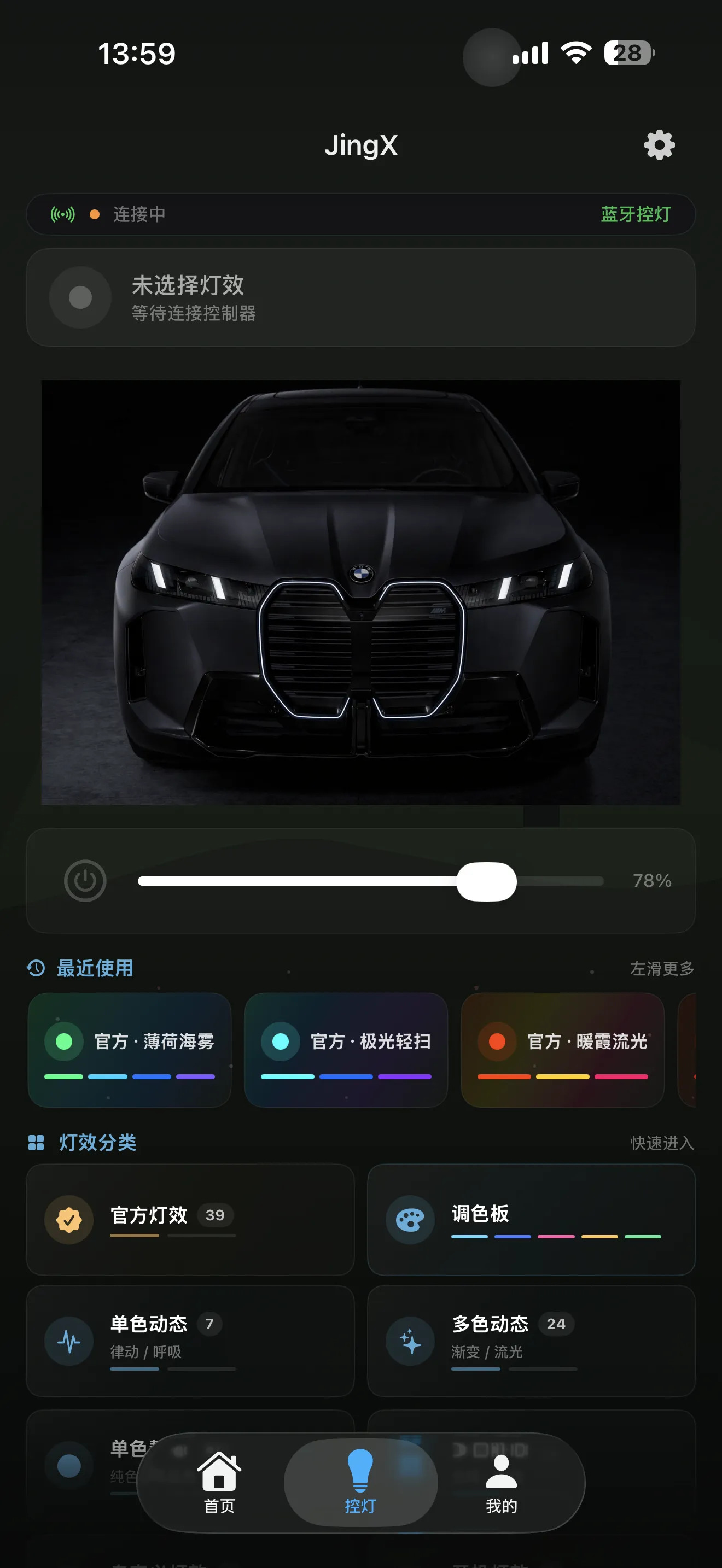
See the active connection, power, brightness and recent effects from the lighting home screen.
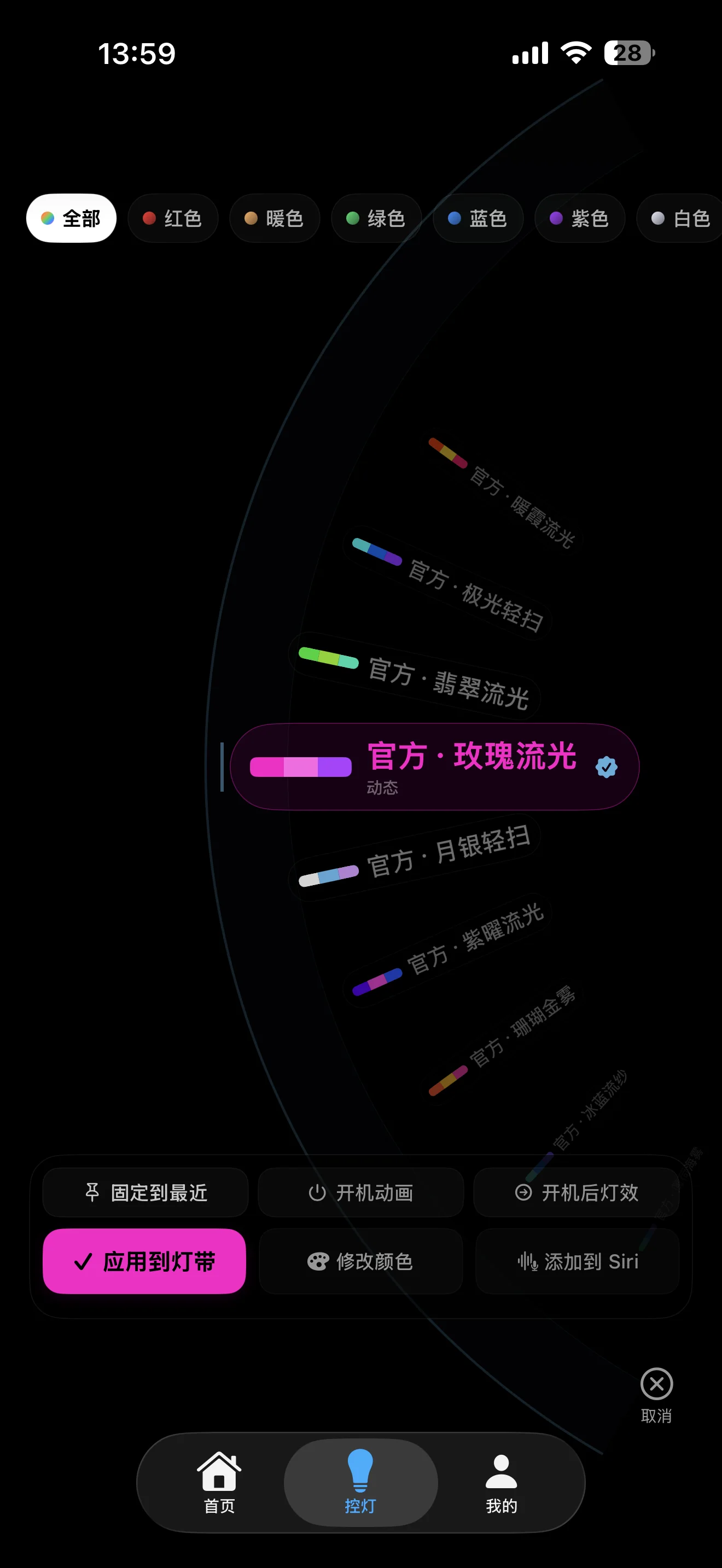
Filter supported effects by color, confirm the current choice, then apply it now or use it at startup.
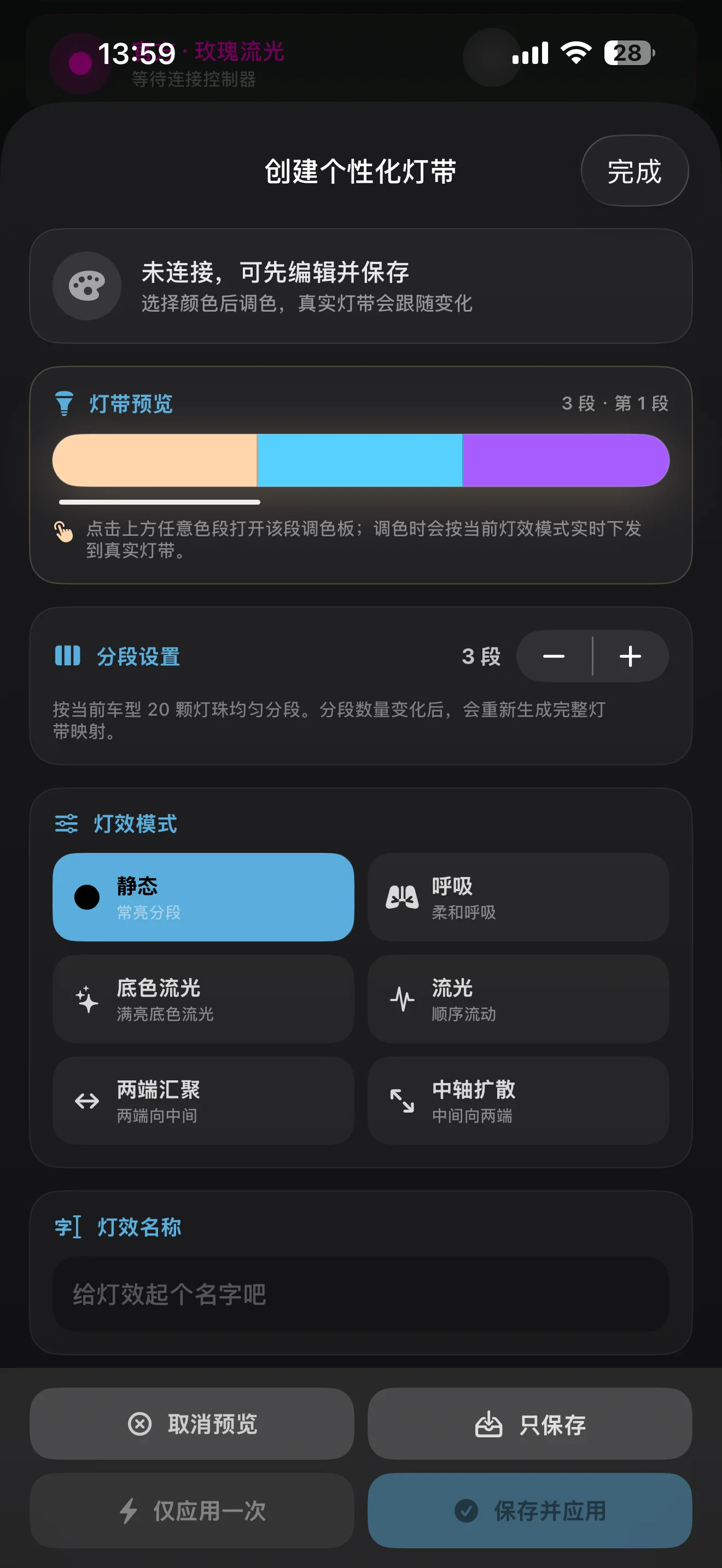
Load the LED layout for the selected vehicle, then configure colors, modes and duration for each segment.
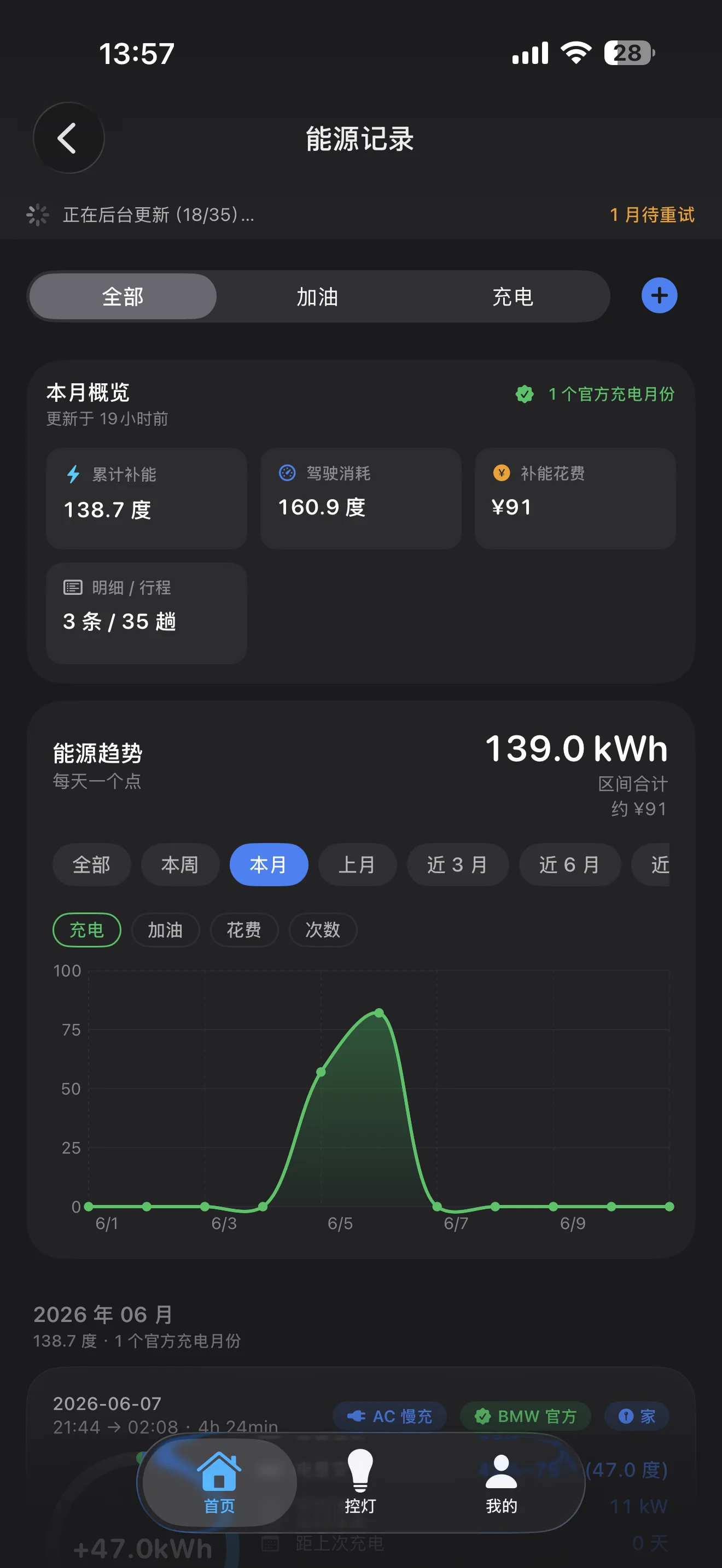
Review trips, charging and energy summaries together with the latest synchronization time.
The catalog contains 40 current fitment records. Images are fitment illustrations; confirm the final version before installation.
Open full fitment catalogG05 · 2019–2022 · 单线亮黑款
Final fitment depends on vehicle year, chassis and grille version. Confirm before purchase or installation.
Match vehicle year, chassis and grille version.
Complete installation, routing and stable power connection.
Pair the controller, choose effects and configure startup behavior.
Vehicle modification involves power, routing, waterproofing and local rules. Installation should be completed by qualified personnel and verified before road use.
Download the public Android version from jingx.cc. The WeChat mini program is live—search WeChat for “Jingx控制器”. The public iOS link is not available yet.
 Scan with an Android phone Direct download from jingx.cc